Product

Your virtual showroom.

Present products in 3D, open documents together and guide the conversation over a live video call.

Book a demo
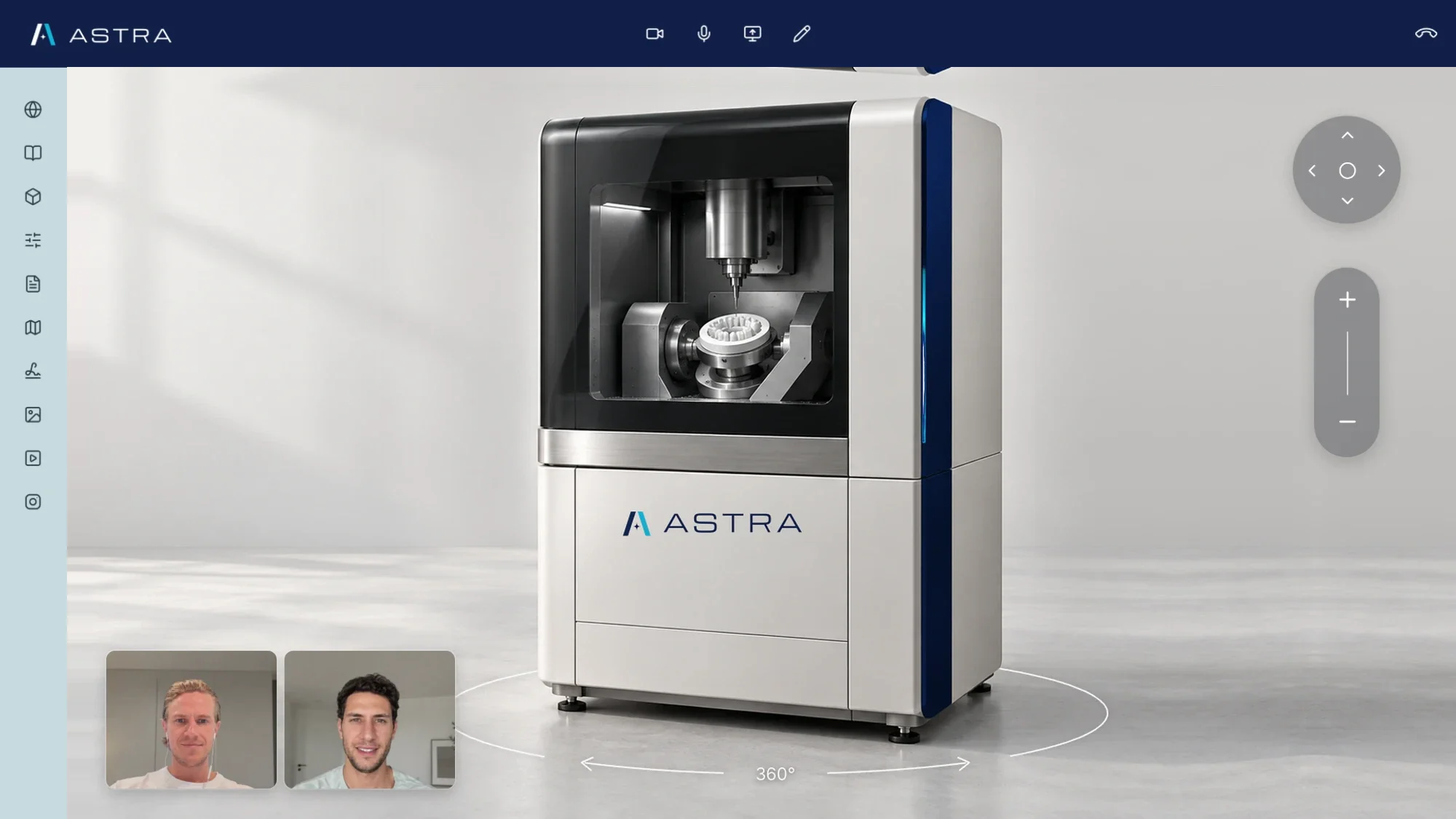
A medical-device showroom: a white and navy dental milling machine shown in 3D on a turntable in a bright grey studio, with the room’s side panel down the left.
On the stage

Interactive 3D presentations.

Explore a product from different angles in the same viewer your customers use during a live call. Try it here.

The stage

Whatever you are selling, at the size it deserves — and both of you looking at the same thing.

The rail

Everything you would have carried into the room, down the side of it, one click from the stage.

The lobby

Your guest arrives and waits where you can see them. You decide when the visit begins.

Meet Dysplay

Meet Dysplay, your sales room.

Everything a sales call needs, from the first link to the signed contract. One tool instead of five.

Run the call in your showroom

Video infrastructure built for selling a product, not for a stand-up.
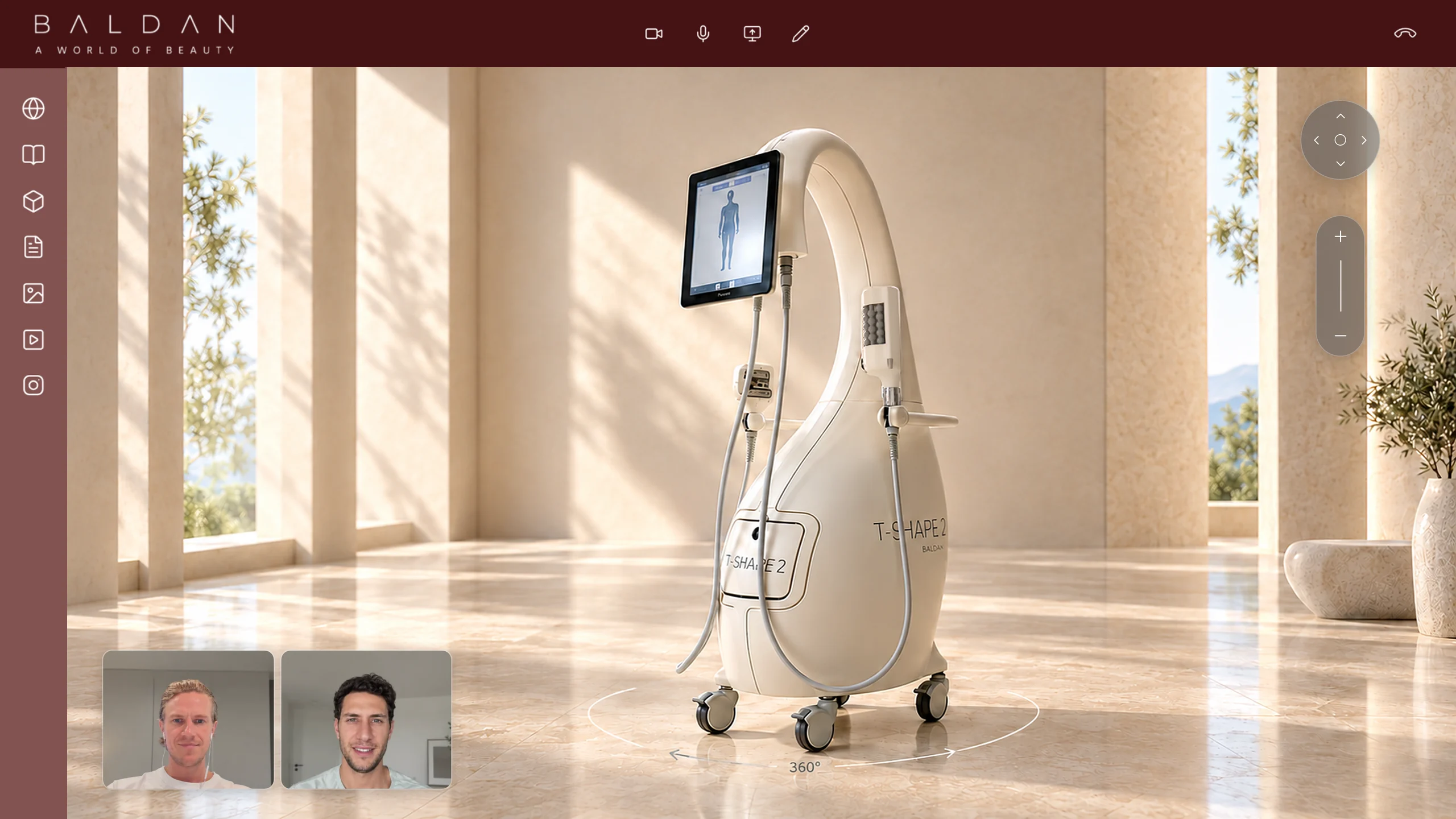
  • Your brand on every callYour logo, colours and products. Buyers join from a link, nothing to install.
  • Your product on the stage3D models, films, catalogues and live web pages, instead of a screen share.
  • Sign on the callPut the contract on the stage and get it signed before you hang up.
Baldan's room in a call, with the T-Shape 2 machine on the stage, ready to turn in 3D.
Never take notes again

Transcription and call notes, built into the room.

  • A transcript with no botEvery call is written down as it happens. No bot joins, no audio is kept.
  • A brief before every callWhat was said last time, what is still open, and who is coming.
  • Notes and next steps after itThe recap is written for you, and you can ask anything about any call.
One room per client

Your content, managed where the deal runs: a sales room.
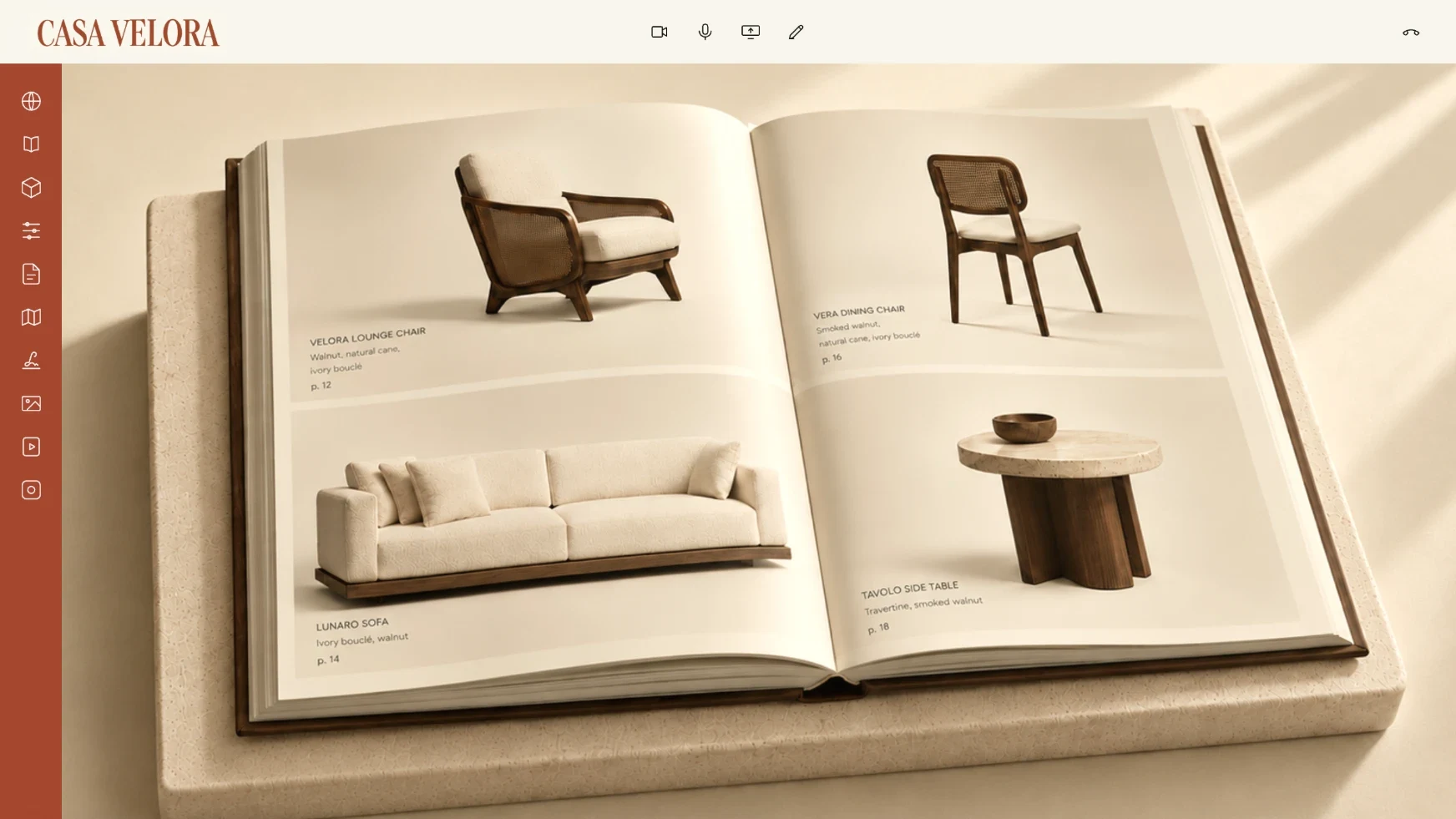
  • One link after the callSend the room back with everything you showed. No attachments.
  • Every file in one placeCatalogues, films, 3D, quotes and contracts, kept per client.
  • See what they openedWho opened it, who they forwarded it to, and for how long.
The Casa Velora room sent to the buyer, with the catalogue open.
Coach from real numbers

Call analysis and a manager overview, without a separate tool.
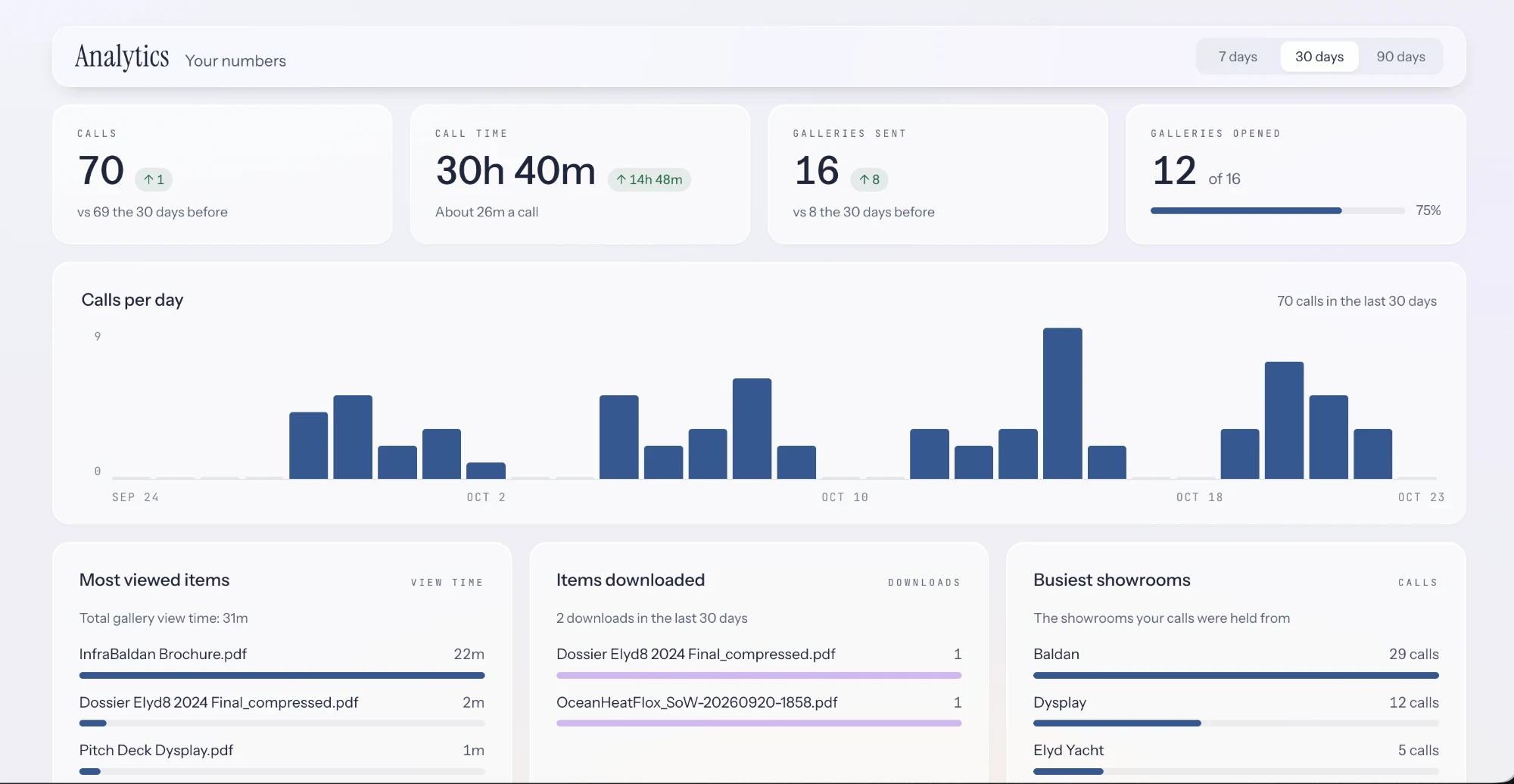
  • Analysis on every callTalk share, how present the buyer was, and time on each item.
  • Every rep on one pageCalls, call time, rooms sent and rooms opened, per rep.
  • Coaching that sticksSee who talks too much and whose buyers drift, and coach from it.
The Dysplay Analytics page: calls, call time, sales rooms sent and opened, calls per day, most viewed items and busiest showrooms.
  • Google Calendar, both ways
  • Any browser, laptop or phone
  • Hosted in the EU
  • No bot, no audio kept
  • First room built with you
One platform

One platform. Every brand.

The room takes the name, the colours and the product of whoever is selling in it.

A medical-device showroom: a white and navy dental milling machine shown in 3D on a turntable in a bright grey studio, with the room’s side panel down the left.Medical devices · 3D
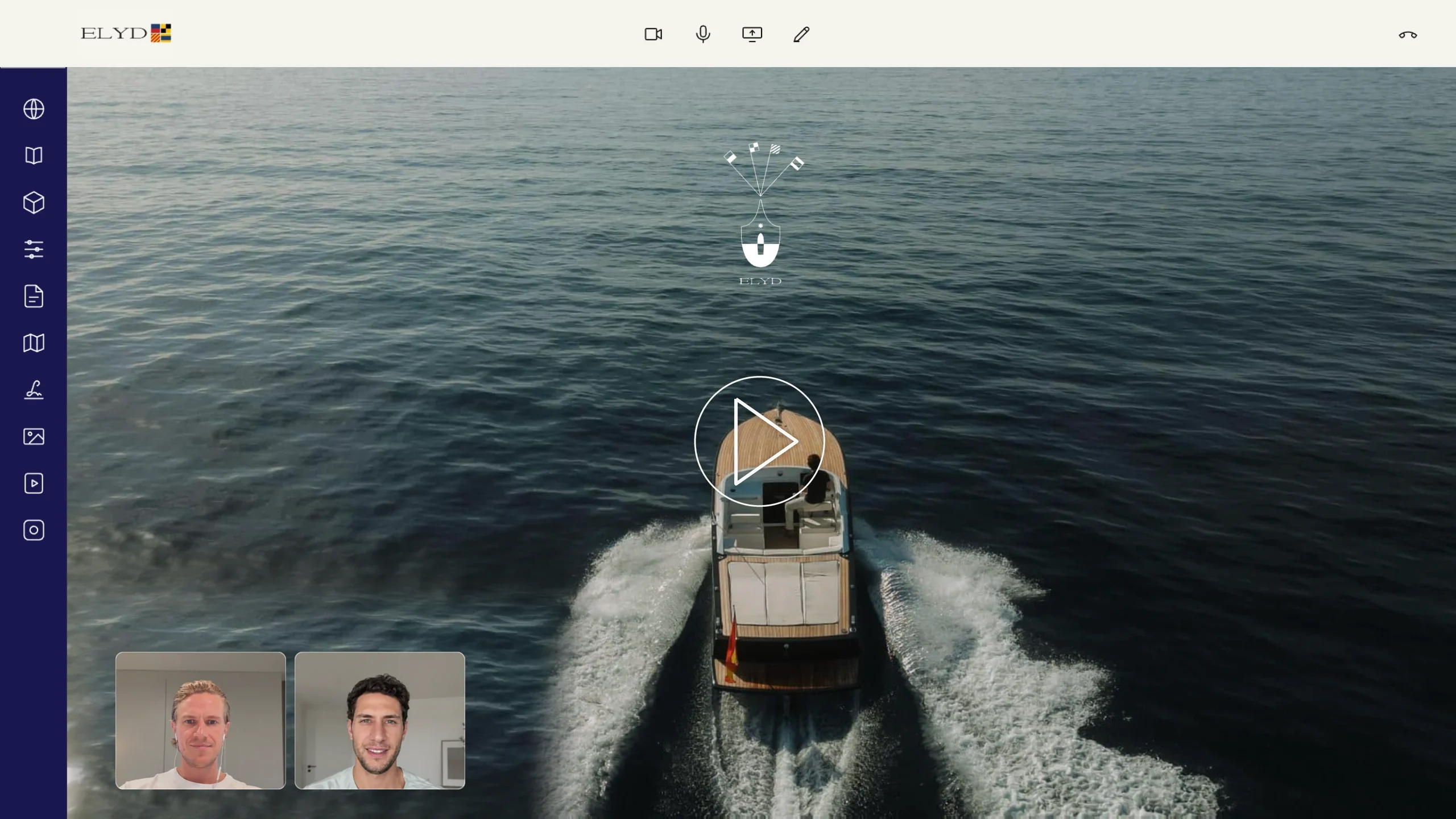
A sales call in a yacht builder’s showroom: a film of a wooden-decked motor boat seen from above, cutting across open water under the builder’s emblem, with the host and the customer on camera in the corner.Yachts · Film
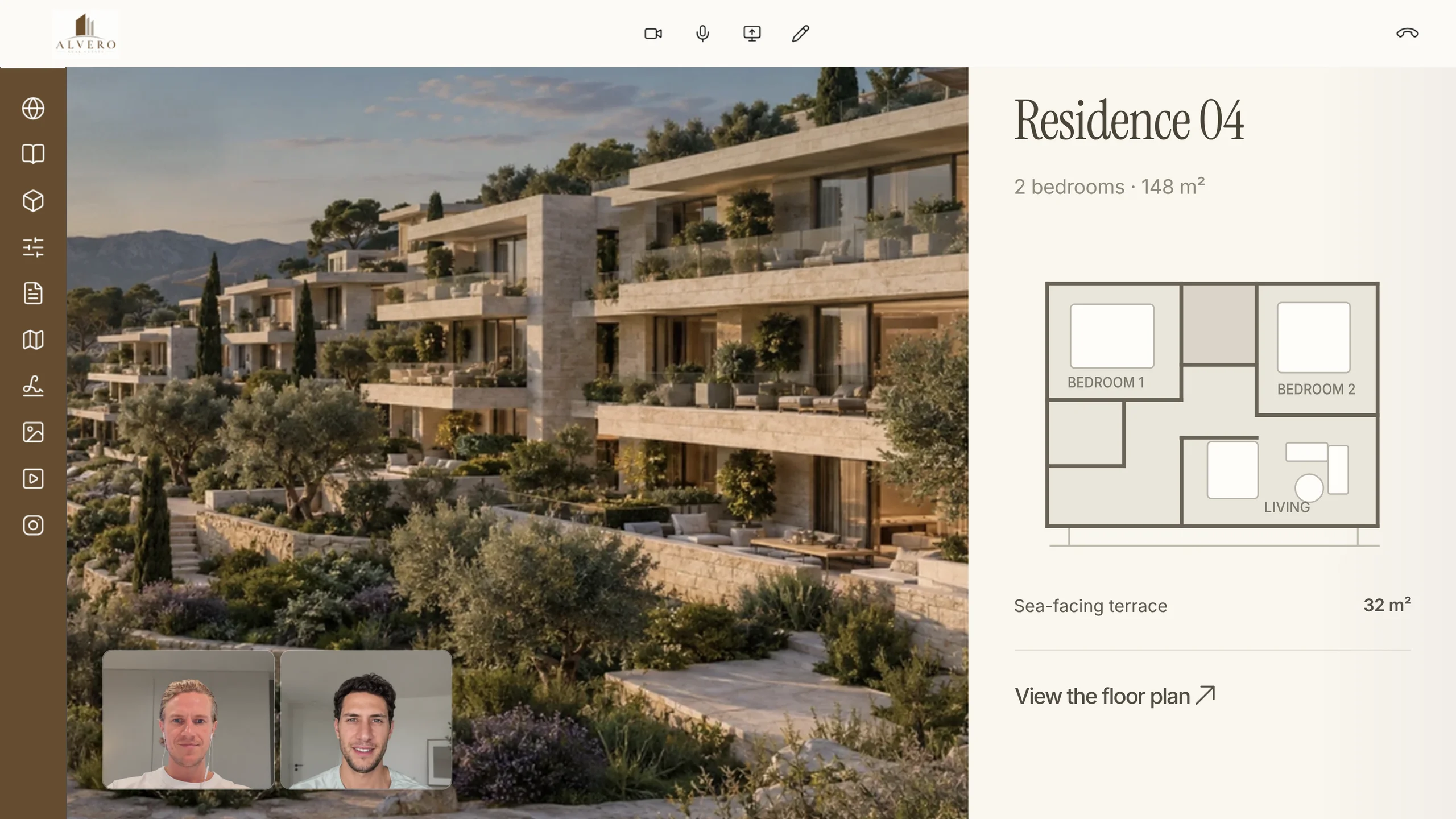
A sales call in a property developer’s showroom: terraced residences above the sea at dusk, beside a panel for Residence 04 with its floor plan, and the host and the customer on camera in the corner.Real estate · Floor plans
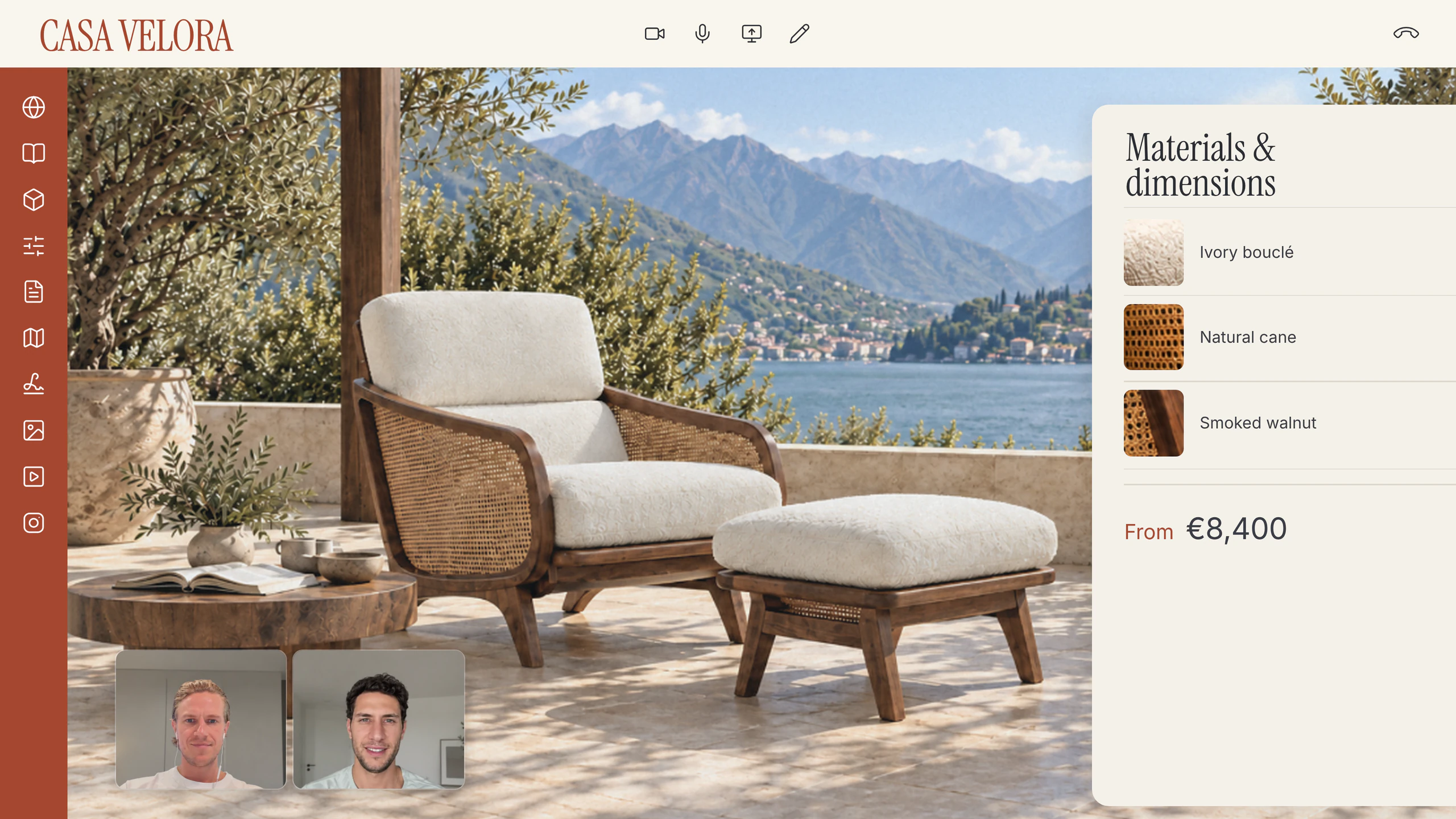
A sales call in a furniture maker’s showroom: a cane and bouclé armchair on a lakeside terrace, beside a panel of materials to choose from and a starting price.Furniture · Options and price
The console

Build the room once. Curate it per guest.

The room holds everything your team might need. The invitation decides what this client sees — so nobody is shown a competitor's brochure or last quarter's price list.
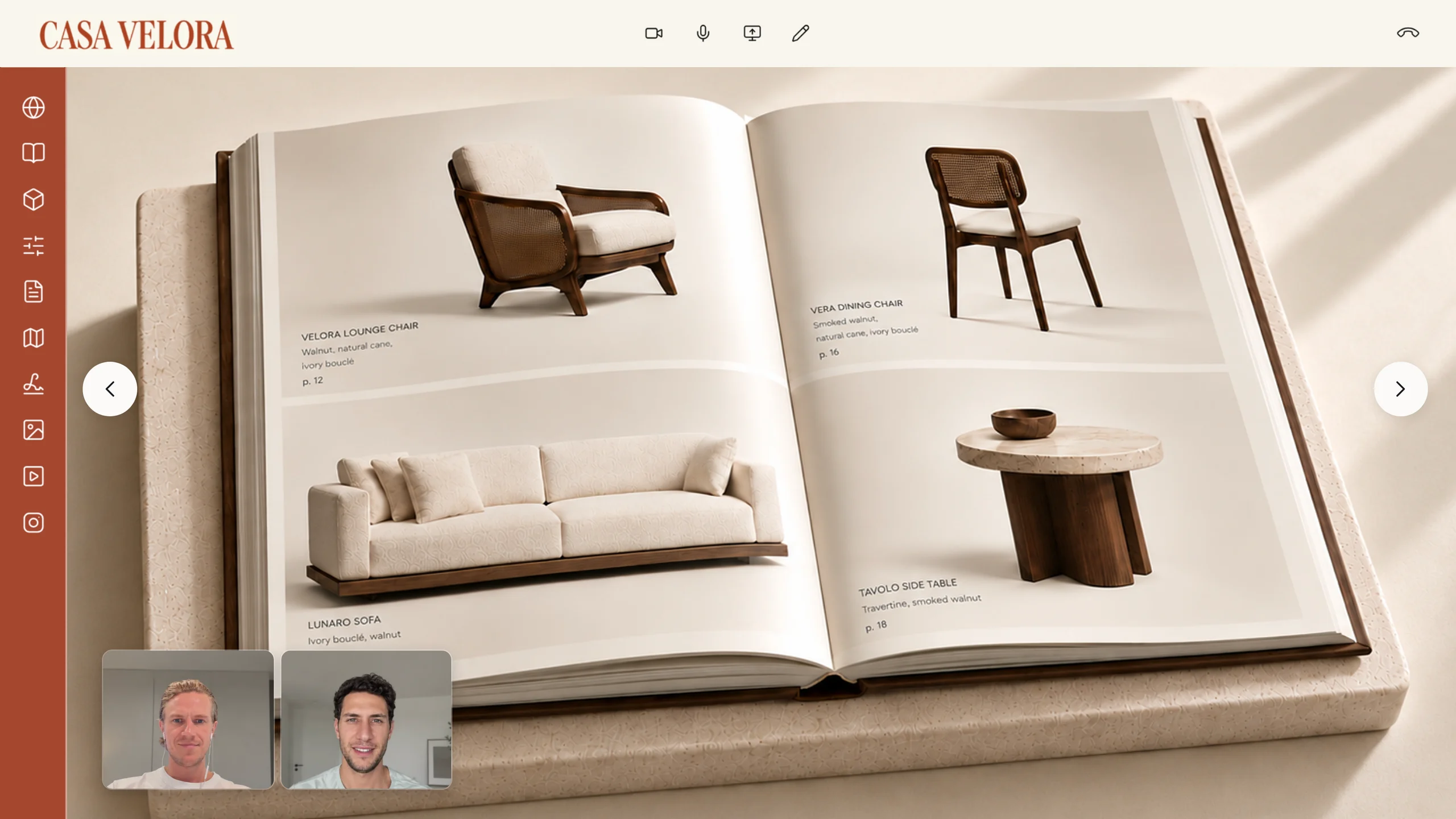
A sales call in a furniture maker’s showroom: the catalogue lies open on the stage at a spread of a lounge chair, a dining chair, a sofa and a side table, with arrows to turn the page and the host and the customer on camera.
The invitation

One link. No download, no account.

Your client clicks and arrives inside your brand — on a laptop, on a phone, in the back of a taxi. Nothing to install, and nothing to sign up for.
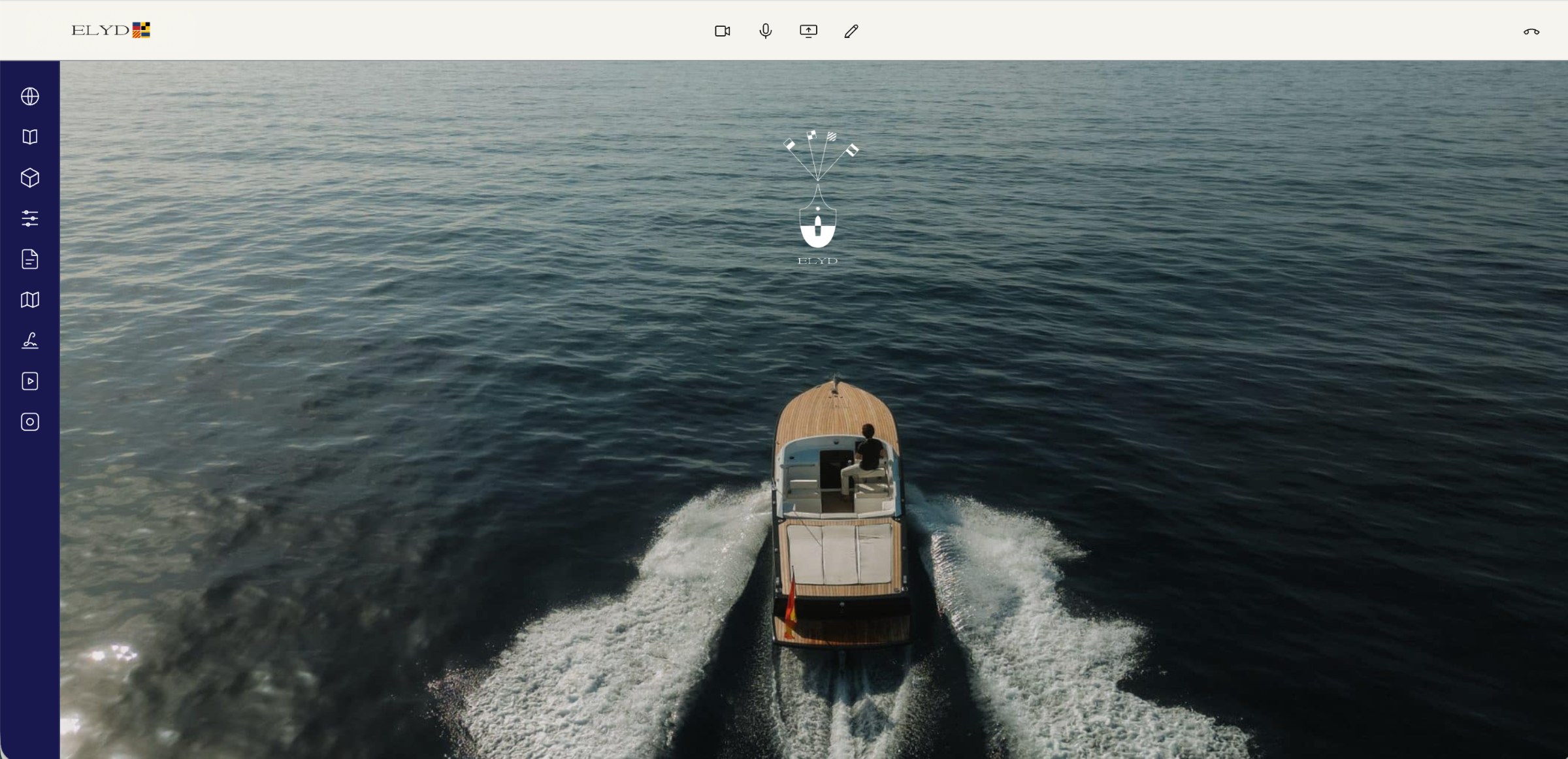
The yacht builder’s showroom as a customer opens it after the call: a wooden-decked boat seen from above on open water, with the rail of materials down the left and no call controls.
What it does

Everything the call needs.

The showroom is where it happens. These are the jobs it does before, during and after.

The goal

Close deals faster, at every touchpoint.

A deal slows down in the gaps: between the call and the recap, the recap and the reply, the yes and the signature. One room closes them.

  1. Before · MonThe invitation goes out, with the link to your room.
  2. During · TueThe call. Your product on the stage, not your desktop.
  3. After · TueNotes and recap written for you. The room sent the same day.
  4. After · WedYour customer comes back to the room. Three times.
  5. After · ThuForwarded to finance, who reads the price list.
  6. After · FriSignedA short second call. Signed before you hang up.
Where you sell matters

Bring your showroom to every call.