01
The machine in 3D
Put a 3D model on the stage and turn it for everyone. Hand your customer the controls when they want a closer look at one part.
A machine that weighs five tonnes does not come to a first meeting. Put it on the stage in 3D, with the specification and the price options beside it, and send the room to the people who were not on the call.
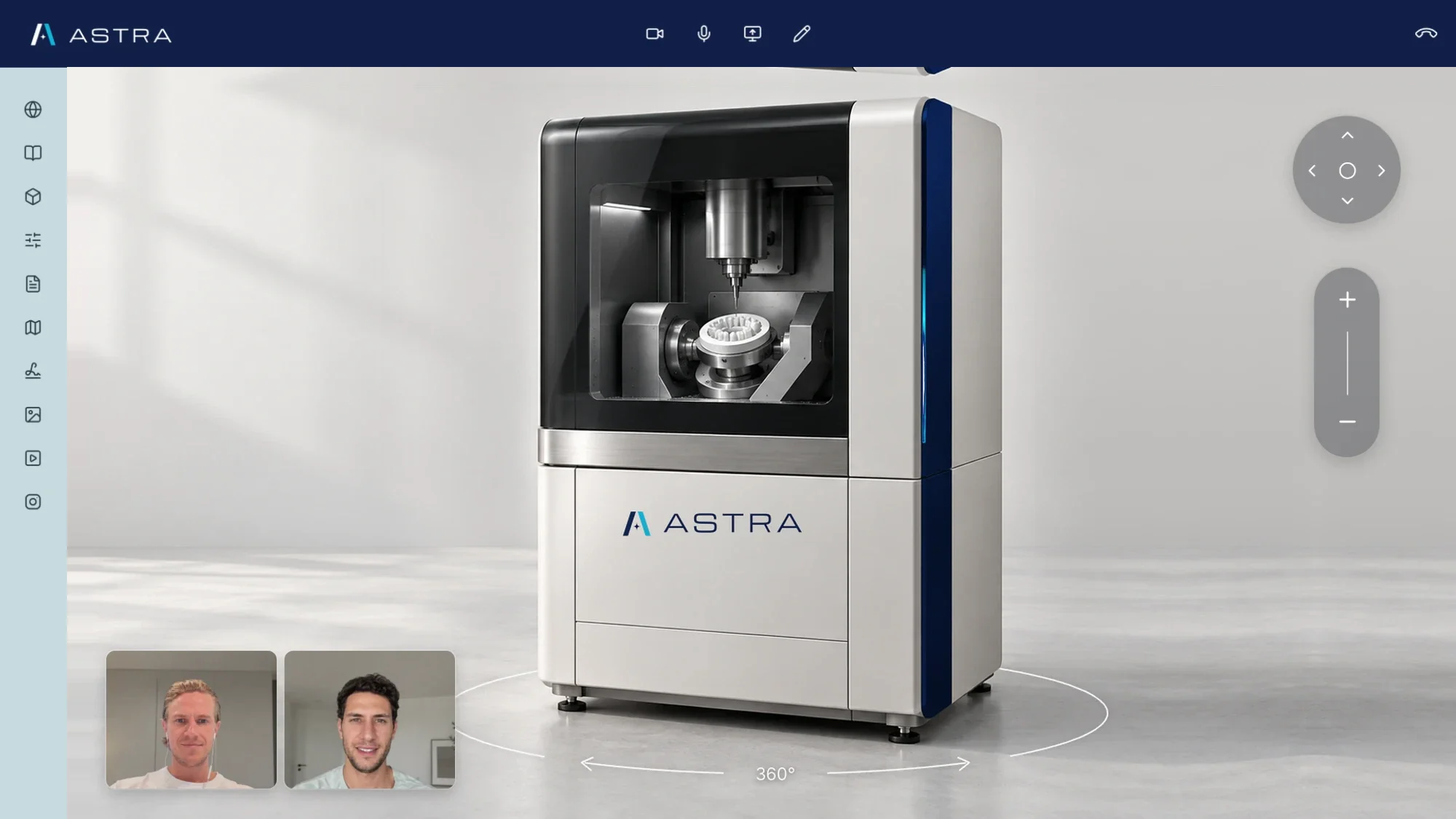
Put a 3D model on the stage and turn it for everyone. Hand your customer the controls when they want a closer look at one part.
Keep data sheets, drawings and certificates on the rail and open them at full size when engineering asks.
Go through the product options and what each one costs on the stage, so the quote that follows holds no surprises.
If your product configurator runs in a browser, open it inside the room and drive it for everyone.
Send the room afterwards. Engineering, purchasing and management open the same page instead of a thread of attachments.
Buyers open the page directly, and you see which documents visitors opened and for how long. New browsers appear as Visitors.
An online room where a salesperson shows equipment to a customer on a live call: the machine in 3D, its documents and its options. A person leads it, which makes it different from a 360-degree factory tour or a virtual trade-show stand that a visitor walks through alone.
The stage shows 3D models in GLB format. A CAD file needs converting to GLB first, which most 3D tools and studios can do.
No. Photographs, videos, PDFs and web pages go on the same stage. A 3D model helps most when the product is hard to picture, and the room works without one.
It covers the part of sales enablement that happens in front of the customer: the content your team shows, the call it is shown on and what the customer reads afterwards. It is not a training or learning system.
No. They open one link in a browser, on a laptop or a phone, with no download and no account.
Not yet. Google Calendar is connected in both directions.