




01
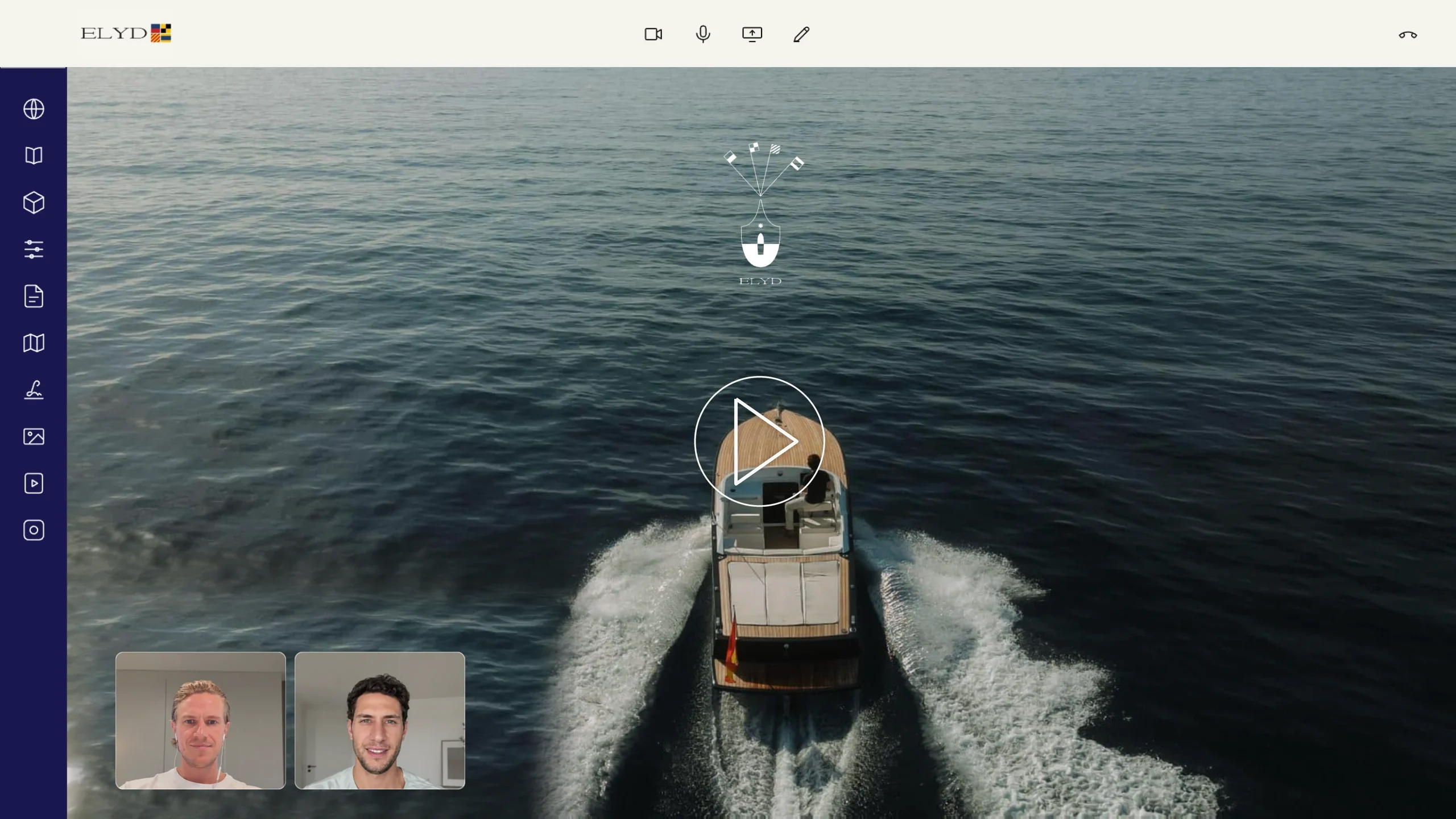
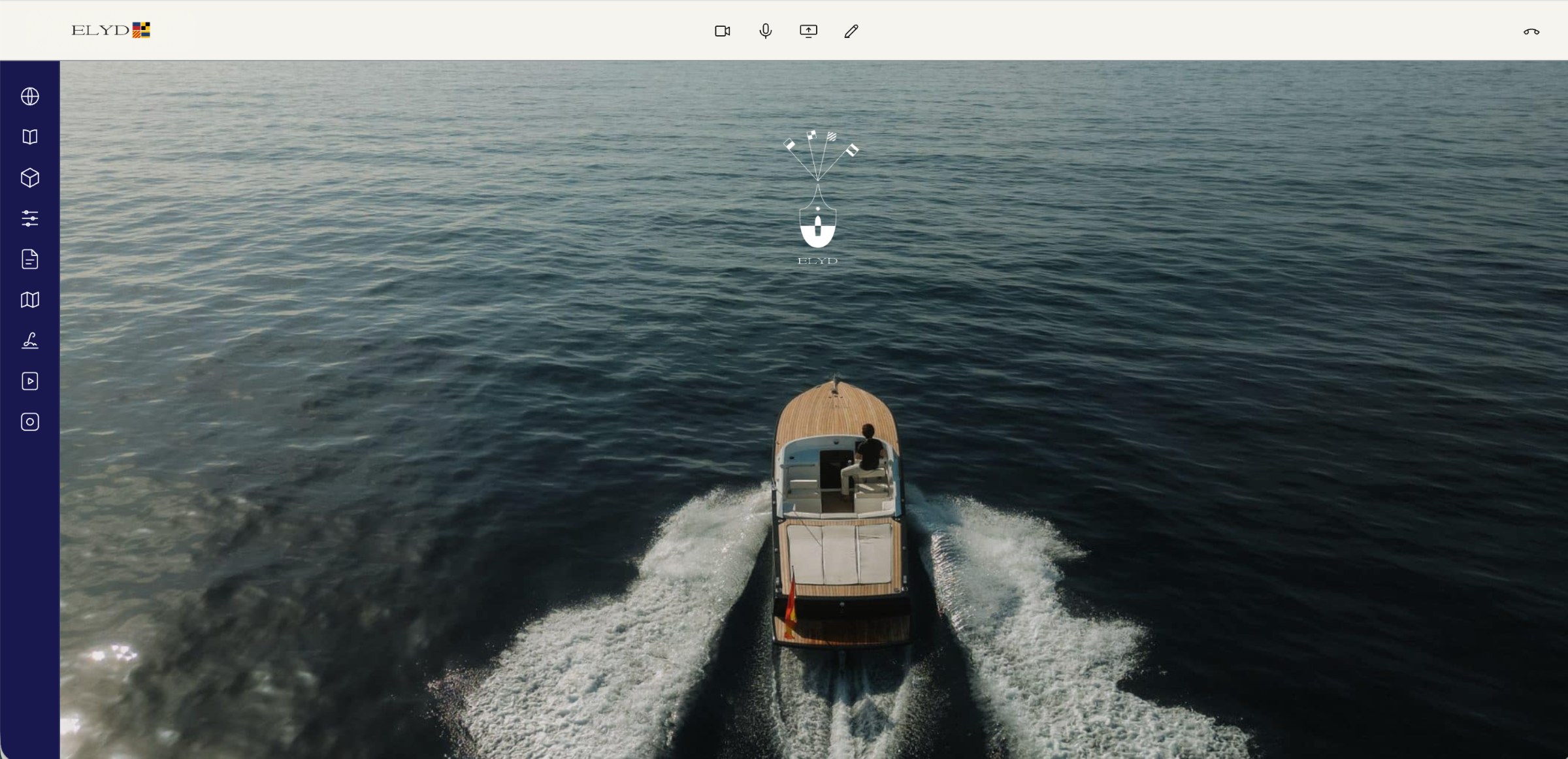
A video call in your brand
Guests join from a link in the browser. No download and no account, on a laptop or a phone.
Deals slow down in the gaps between tools. Dysplay puts the call, the demo, the notes, the follow-up and the signature in one room, so a deal moves from first call to signed without them.
What most sales teams use around a call today, and what does that job here.
A deal slows down in the gaps: between the call and the recap, the recap and the reply, the yes and the signature. One room closes them.
Guests join from a link in the browser. No download and no account, on a laptop or a phone.
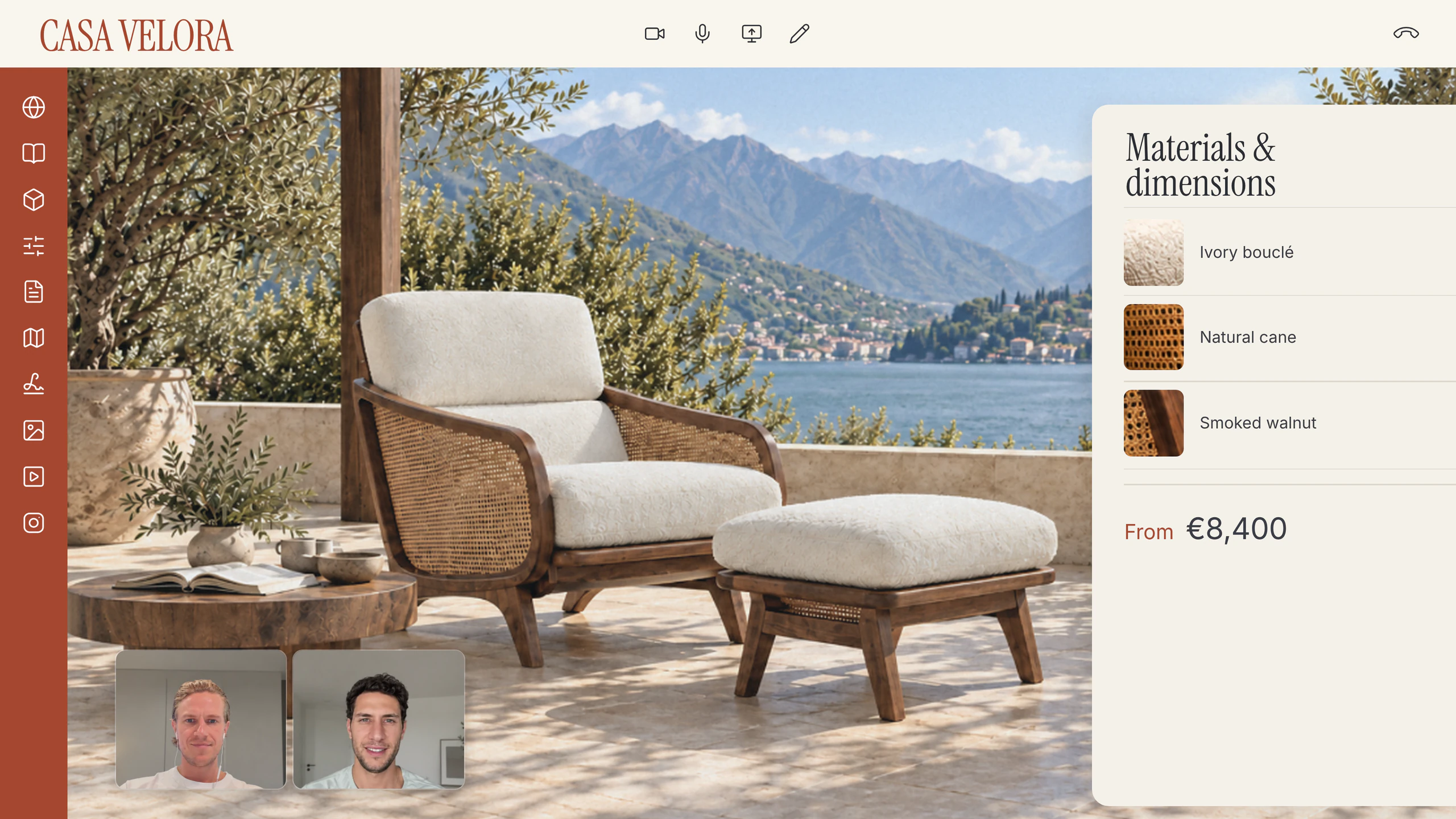
3D models, documents, maps and price options, shown at full size and followed by everyone in the call.
Open your own product or any web page inside the room and drive it for everyone, without sharing your screen.
Place a signature box on the document you are both reading and collect the signature before the call ends.
The call is transcribed as it happens. Afterwards you get a summary, the open points and the next steps.
See visits to the page you sent, what visitors opened and for how long.
A virtual selling platform is software for selling to customers remotely instead of in person. It covers the video call, what you show during it, the notes, and the follow-up afterwards. Dysplay does those in one room instead of one tool each.
No. They click the link in the invitation and join in their browser, on a laptop or a phone. They do not need an account.
For calls with customers, yes: it has video, audio, screen share and room for a host and up to seven guests. Most teams keep their existing tool for internal meetings.
No. Transcription is part of the call. It is on by default, every guest is told, and the host can switch it off. Dysplay keeps a transcript; it does not keep audio or video.
No. Teams selling machinery, medical devices or furniture use the 3D stage. Teams selling software run the demo in the shared browser. The call, the notes and the follow-up page are the same for both.
Google Calendar is connected in both directions, so calls you book appear there and changes come back. There is no Salesforce or HubSpot connection yet.
Free costs nothing: 200 call minutes and 250 AI Chat messages a week, and 1 published showroom. Pro is $39.90 per host seat a month, billed annually ($478.80), or $49.90 billed monthly. Enterprise starts at 25 seats and is priced to the contract. The pricing page has the detail.