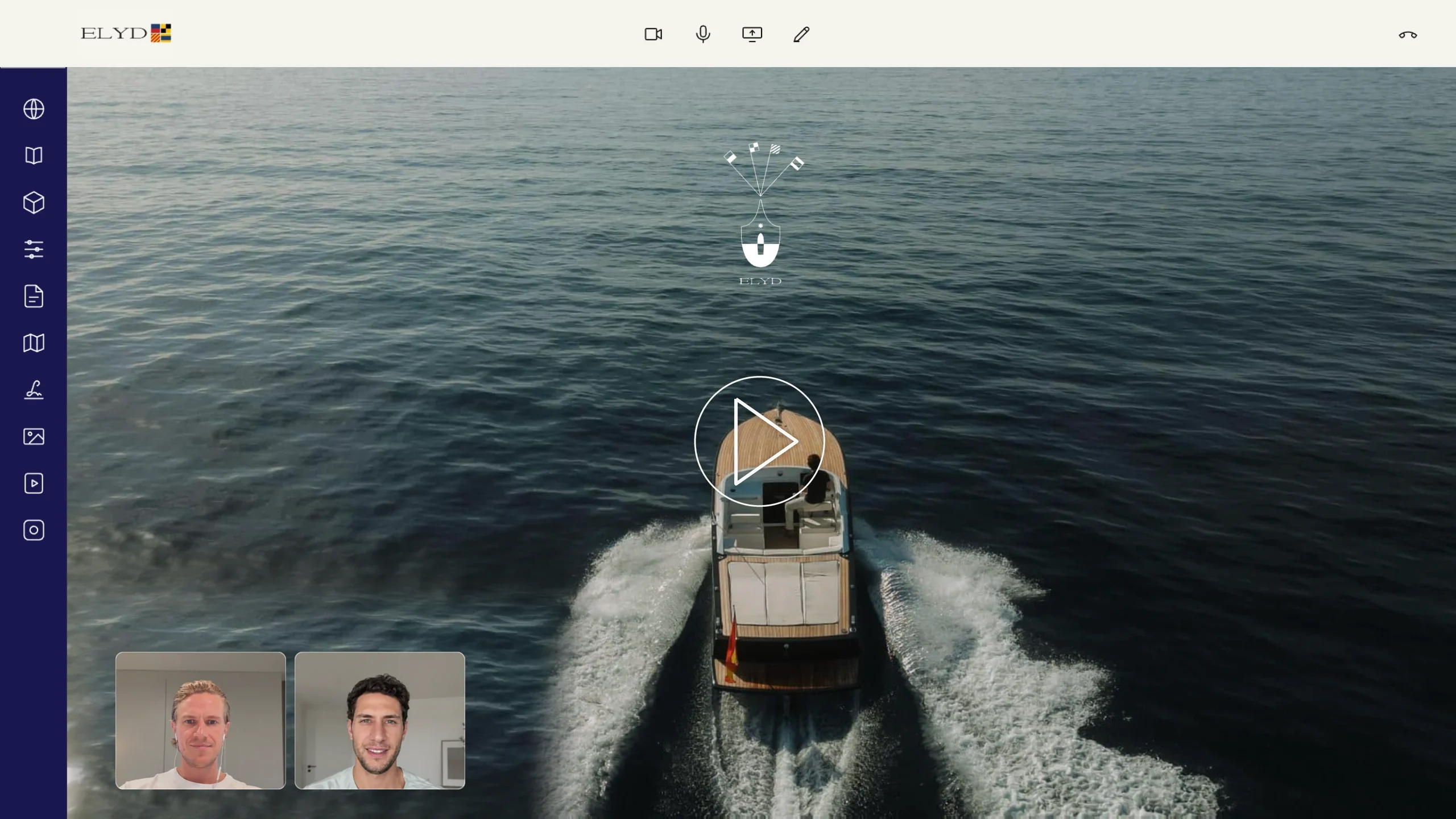
Notes, files and follow-up spread over other tools.
With Dysplay
A showroom with your logo, your colours and your type.
The product on a stage, in 3D, for your customer to explore.
The call, the notes, the content and the data in one place.
What you get
Built for selling, not for meetings.
01
Your product in 3D, in the room
Put the machine, the chair or the device on the stage in 3D. Turn it for your customer, let them explore it on their own, or open points on the model and walk them through the photo, film or spec sheet behind each one.
02
No screen share needed
Catalogues, films and price options go on a stage built to show them. Turn a page or zoom in and everyone sees it at the same moment.
03
Everything one click away
The showroom’s catalogues, models, films and price options are lined up in the side panel before the call starts. No digging through folders while your customer waits.
04
A showroom in your brand
Your logo, colours, type and backdrop. It feels like a visit to your showroom, not a meeting link.
05
Notes that write themselves
Transcription starts with the call, with no bot in the room and every guest told. When you hang up, the recap is ready: summary, open points, next steps.
06
The whole deal in one place
The call, the content, the notes, the follow-up page and the numbers sit together. See who talked how much, what you showed and for how long, whether each guest stayed or switched to another tab, and what they opened after the call.
FAQ
Frequently asked questions.
Not answered here? Ask us on a call and see it running.
No. They open the link, type their name, check their camera and microphone, and join.
Does it work on a phone?
Yes. A guest can join from a phone browser. Screen share is offered only where the browser supports it.
How many people can join a call?
A host and up to seven guests.
Can I control who joins?
Yes. Leave the room open, set a passcode, or have guests knock and let them in yourself.
Is this a replacement for Zoom, Google Meet or Teams?
For customer-facing sales calls it is. It is not built for company all-hands or webinars, so most teams keep their existing tool for internal meetings.
Can I book calls from my calendar?
Calls you schedule in Dysplay appear in Google Calendar, and changes made there come back. The invitation is sent by email with a calendar file attached.
Are calls recorded?
Not as video or audio. Calls are transcribed and summarised by default, every guest is told, and the host can switch transcription off during the call.